
Check-in that talks — and can read a guest ID
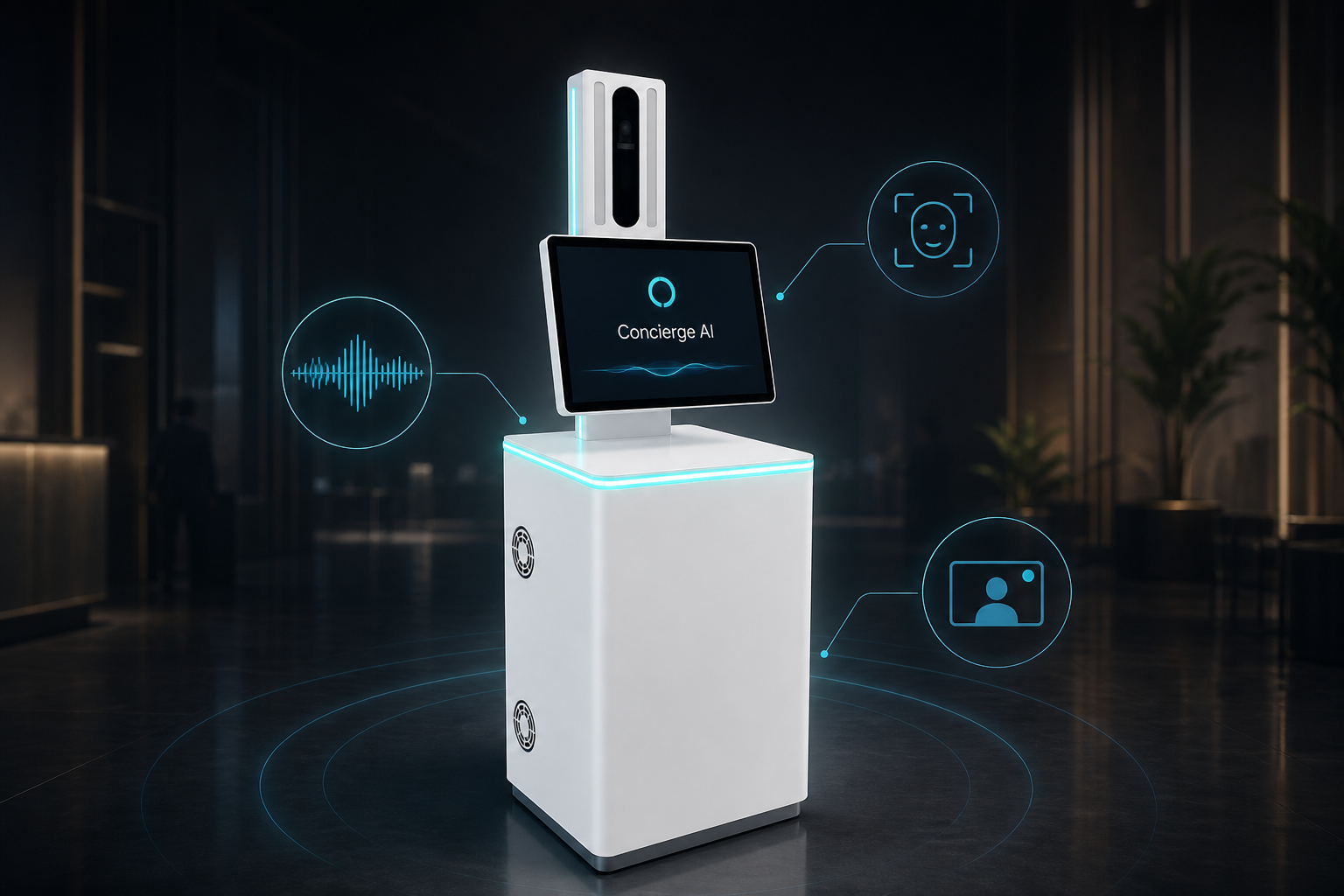
Help with busy arrivals: guests speak to check in, look up a booking, and show an ID when needed — with a real person on video if they get stuck.
We set up the talking helper for your site in a short trial — we do not invent success rates up front.
See how this use case works
Watch the live conversation for hospitality, then follow the steps.
Welcome — ready to check in?
Speak naturally — or tap an option
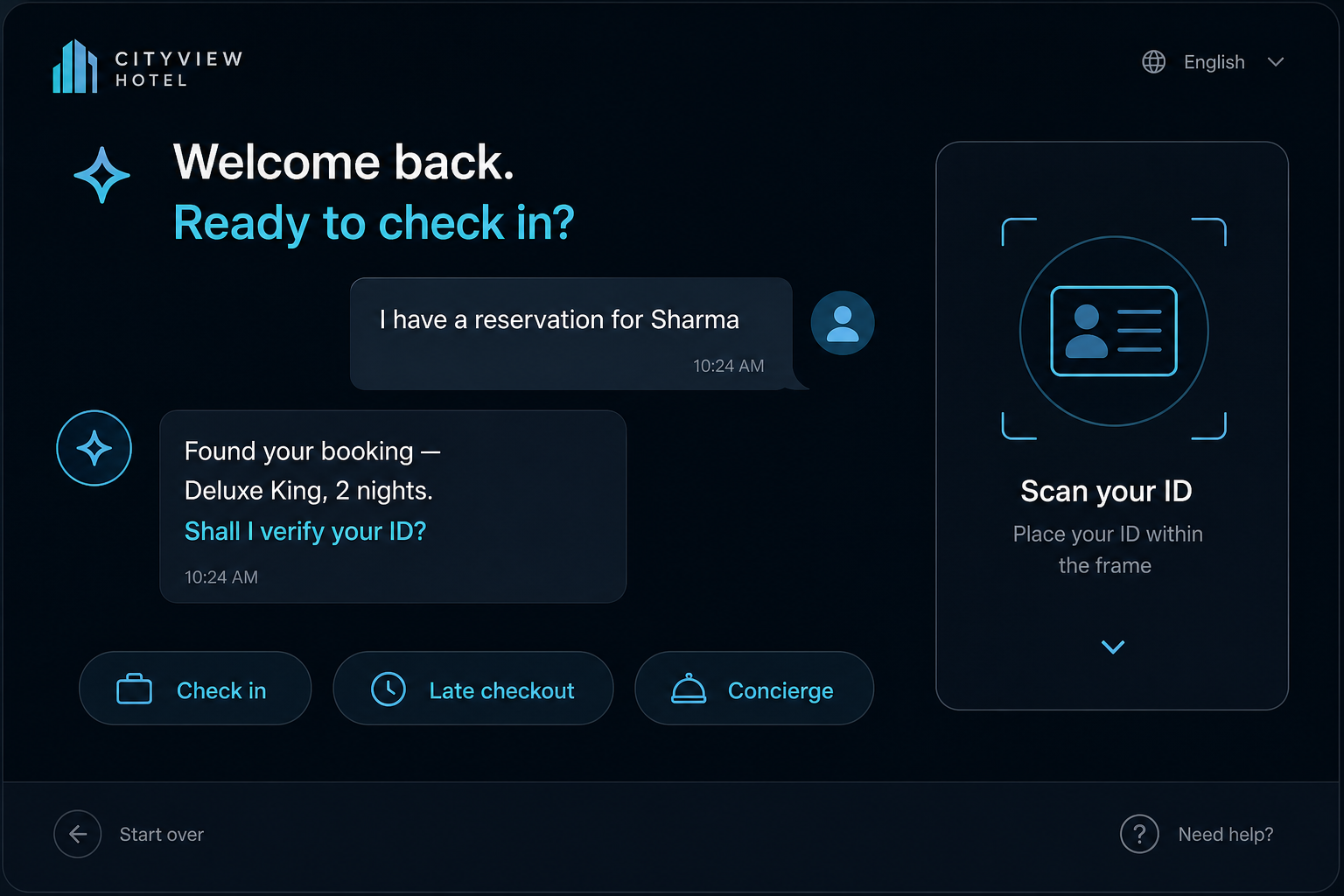
Guest walks up
The kiosk greets and offers check-in, late checkout, or help.
Booking match
Guest says a name or confirmation — it looks up the reservation.
ID when needed
Guest shows an ID card or document to the camera or reader.
Finish or get help
Next steps on screen, or a receptionist joins on live video.
The problem on the ground
Peak check-in lines burn staff time and guest patience. Tablet menus are slow, and reading a real ID is hard.
What it is designed to save
- Less queue pressure at peak hours
- Clear ID capture for guest registration
- Fewer abandoned self-check-ins — talk or get a person
What it usually connects to
Exact links are scoped in the trial — this is the typical set.
- Hotel booking system lookup
- SMS / WhatsApp confirmation
- Optional key-slip or badge printer
Step by step
Guest walks up
The kiosk greets and offers check-in, late checkout, or help.
Booking match
Guest says a name or confirmation — it looks up the reservation.
ID when needed
Guest shows an ID card or document to the camera or reader.
Finish or get help
Next steps on screen, or a receptionist joins on live video.
Questions buyers ask
About the experience, staff, privacy, and trial — not a hardware brochure.
Will this replace my front-desk team?
No. It is for overflow and quiet hours. Staff stay for VIP, complaints, and complex stays.
What if a guest refuses to talk to a machine?
They can tap big buttons on screen, or a receptionist can join on live video.
Do you store guest faces without asking?
Face recognition is optional and only for people you enrol with consent. Many hotels run check-in without it.
How does guest ID work?
When your process needs it, the guest shows an ID. Exact rules follow your property and local requirements — set in the trial.
Which languages can it speak?
We set the language pack for your guest mix in the trial. We do not invent a language count in marketing.
What systems does it connect to?
Usually your booking system, and SMS or WhatsApp for confirmations. Exact links are scoped before go-live.
What is a 60-day trial?
We place the kiosk, set one check-in flow, measure completion and handoffs, then decide expand / revise / stop with you.
Can we put our hotel brand on it?
Yes — body branding and on-screen look.
Interested in Hotel Check-in Kiosk?
Send a short note. We will get back within one business day.