Talk and see
It sees who it is talking to — not just a speaker with a script.
A standing screen in your lobby that can talk, see faces, and help with check-in or directions — and call a real person on video if it gets stuck.
The machine and camera tools are ready. The talking helper for your site is set up with you in a short trial.
Simple steps we set up with you for your site.
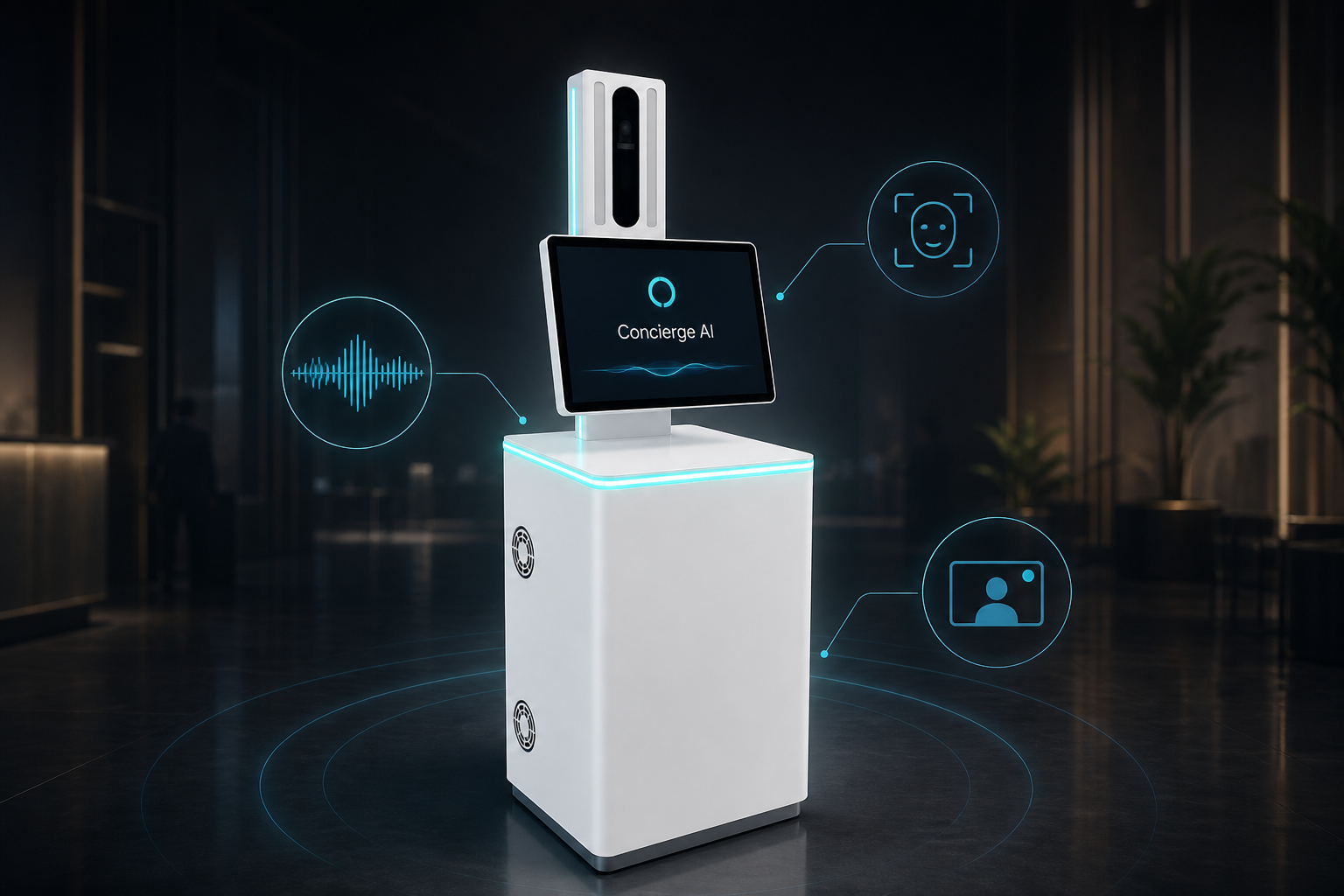
Speak naturally — or tap an option
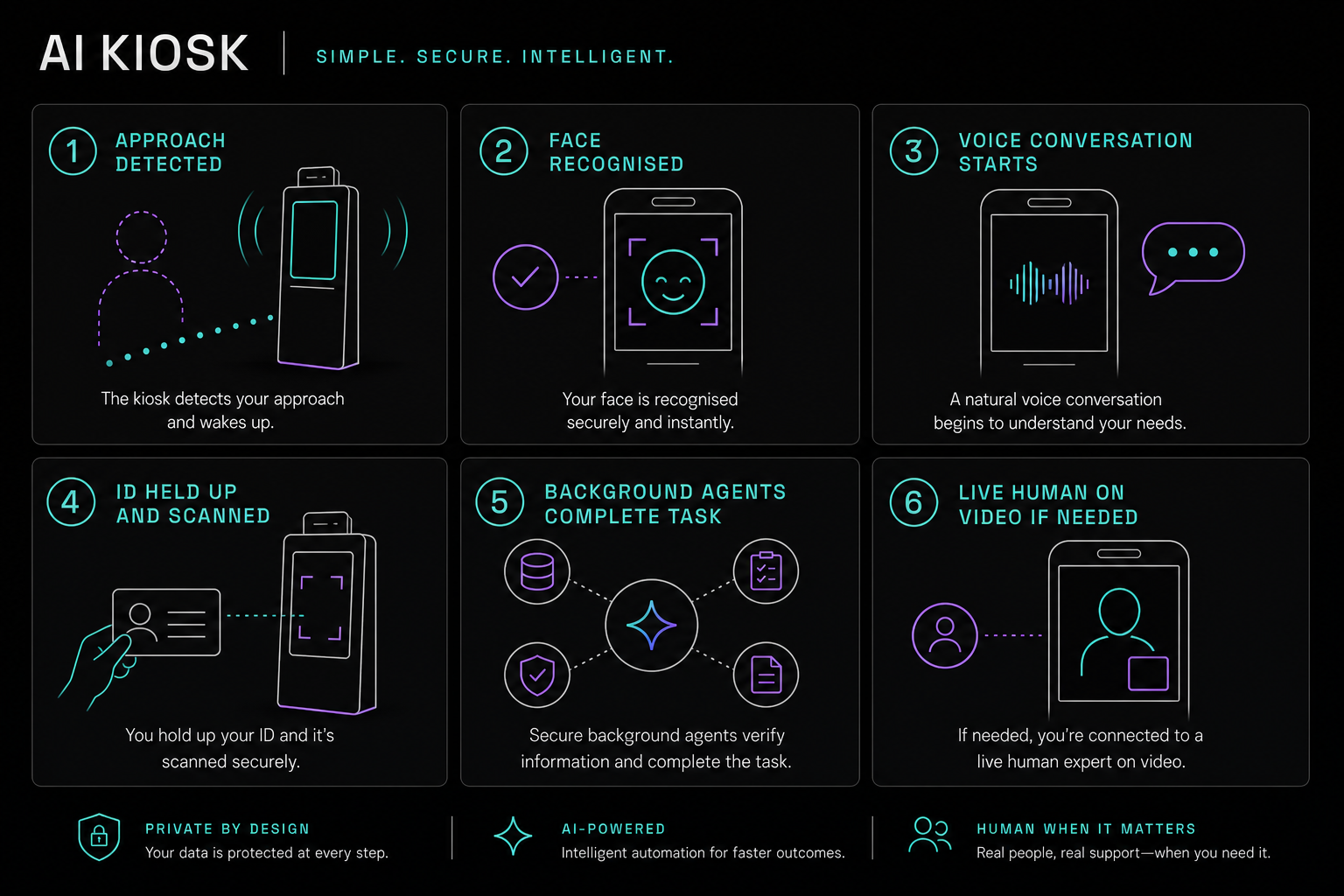
It sees who it is talking to — not just a speaker with a script.
Optional. Returning guests can skip re-entering details when enrolled.
Looks up bookings, notifies hosts, logs visits, prints passes — not only chat replies.
Optional for hotels, hospitals, and secure sites. Hold an ID to the camera or use the card reader when needed.
When the helper reaches a limit, a person joins on video. Same live path Visive already uses for Video KYC.
Big tough touch screen, strong computer inside, metal body — not a tablet on a pole.
Set up per site. Exact links to your systems are scoped in the trial.
WhatsApp / email / SMS when a visitor arrives.
Reservation, appointment, or meeting room match.
Visitor register with time, photo, and host.
Badge, room key slip, or queue token.
Pick the page that matches your site — each one has its own flow and inquiry tag.
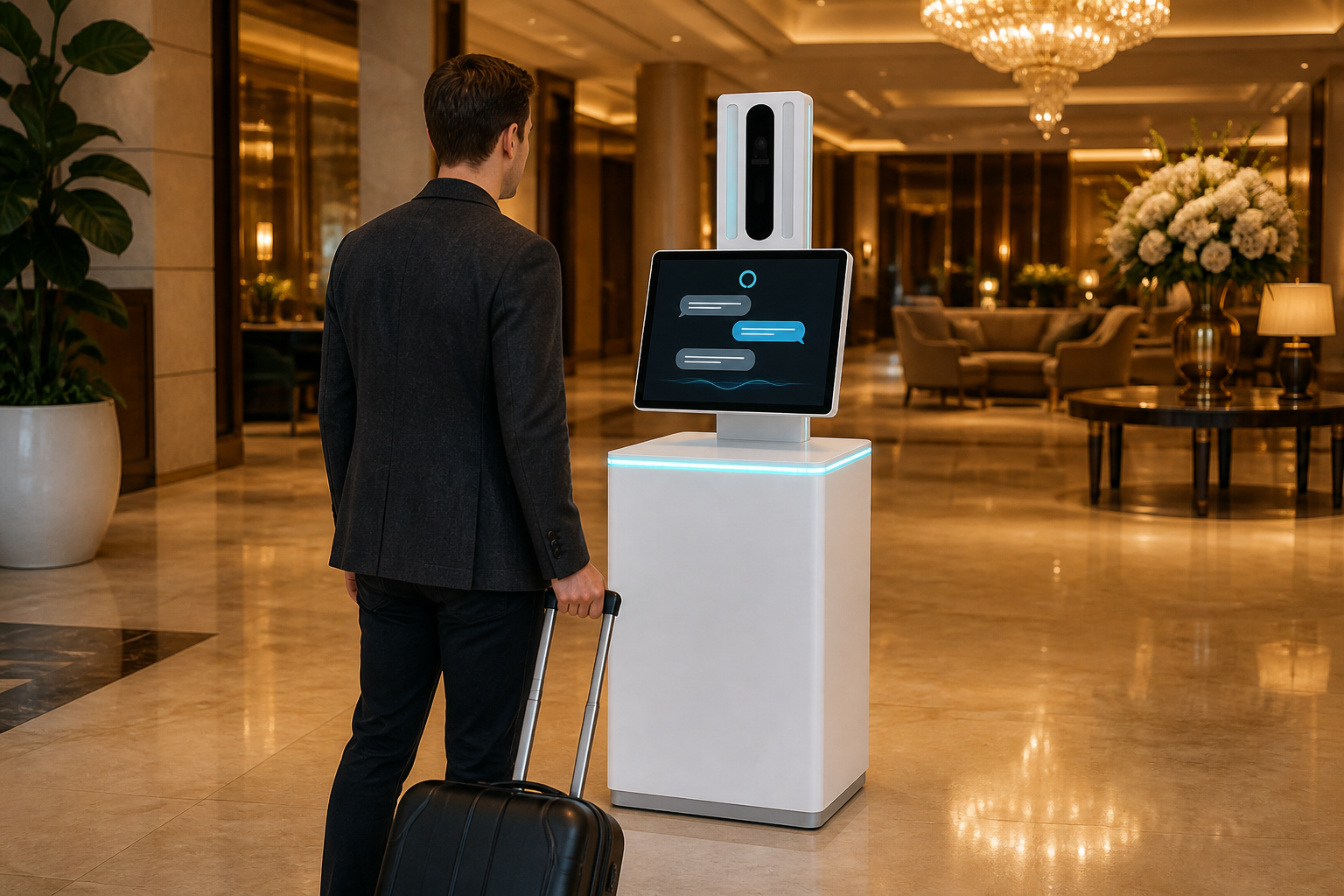
Busy arrivals, ID capture, booking lookup.
Open use case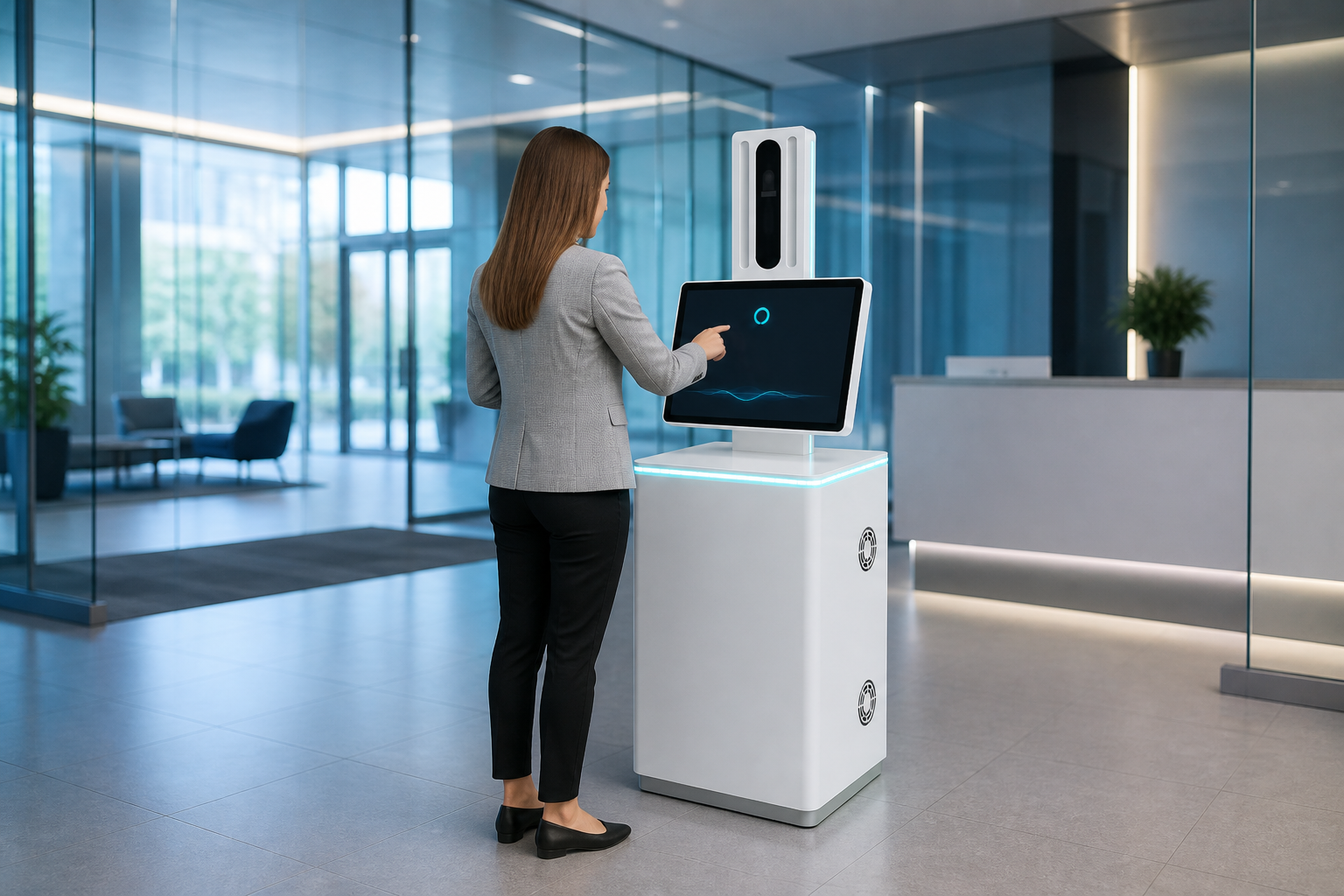
Quiet hours, host notify, visitor greeting.
Open use case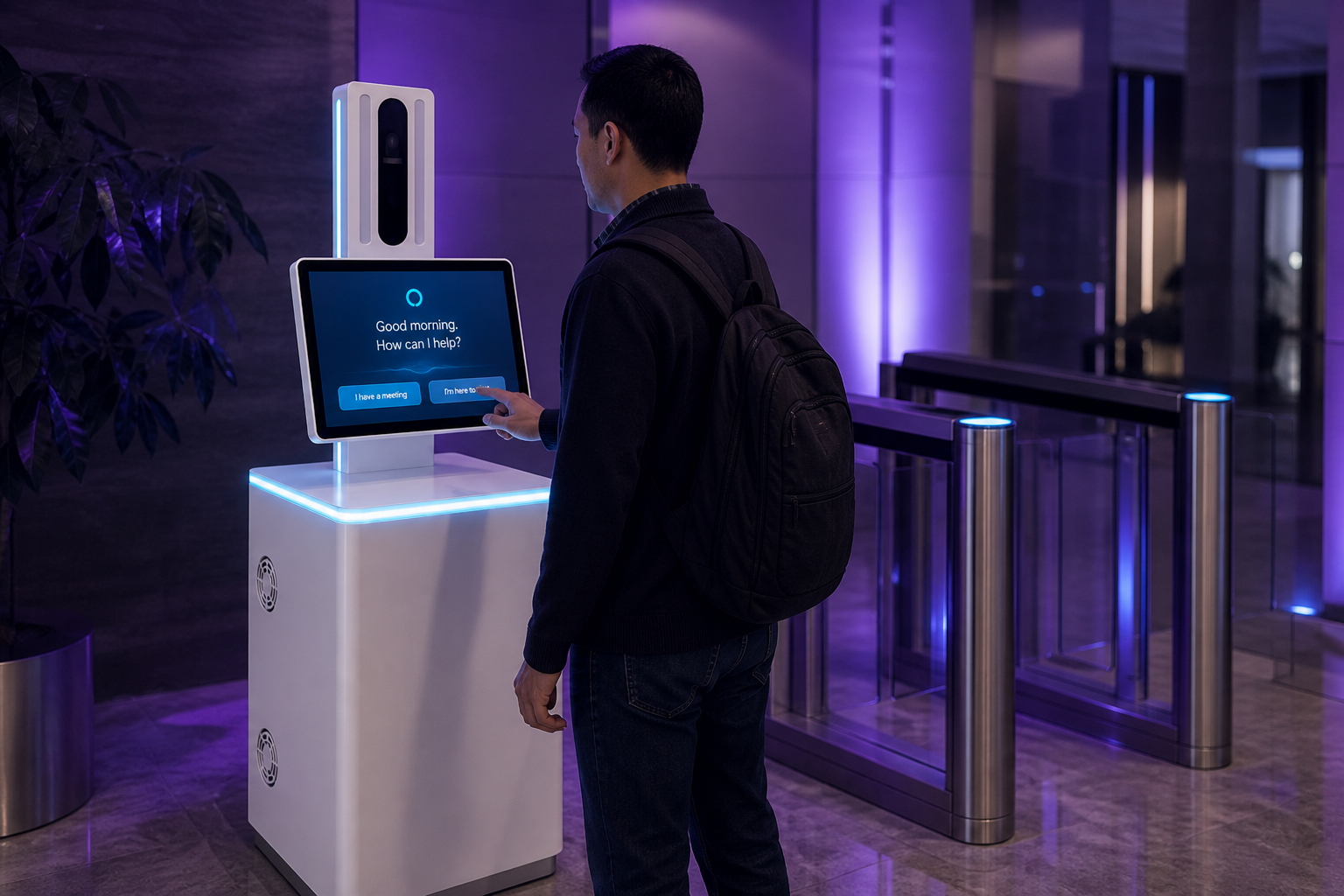
Sign-in log, badge print, host approval.
Open use case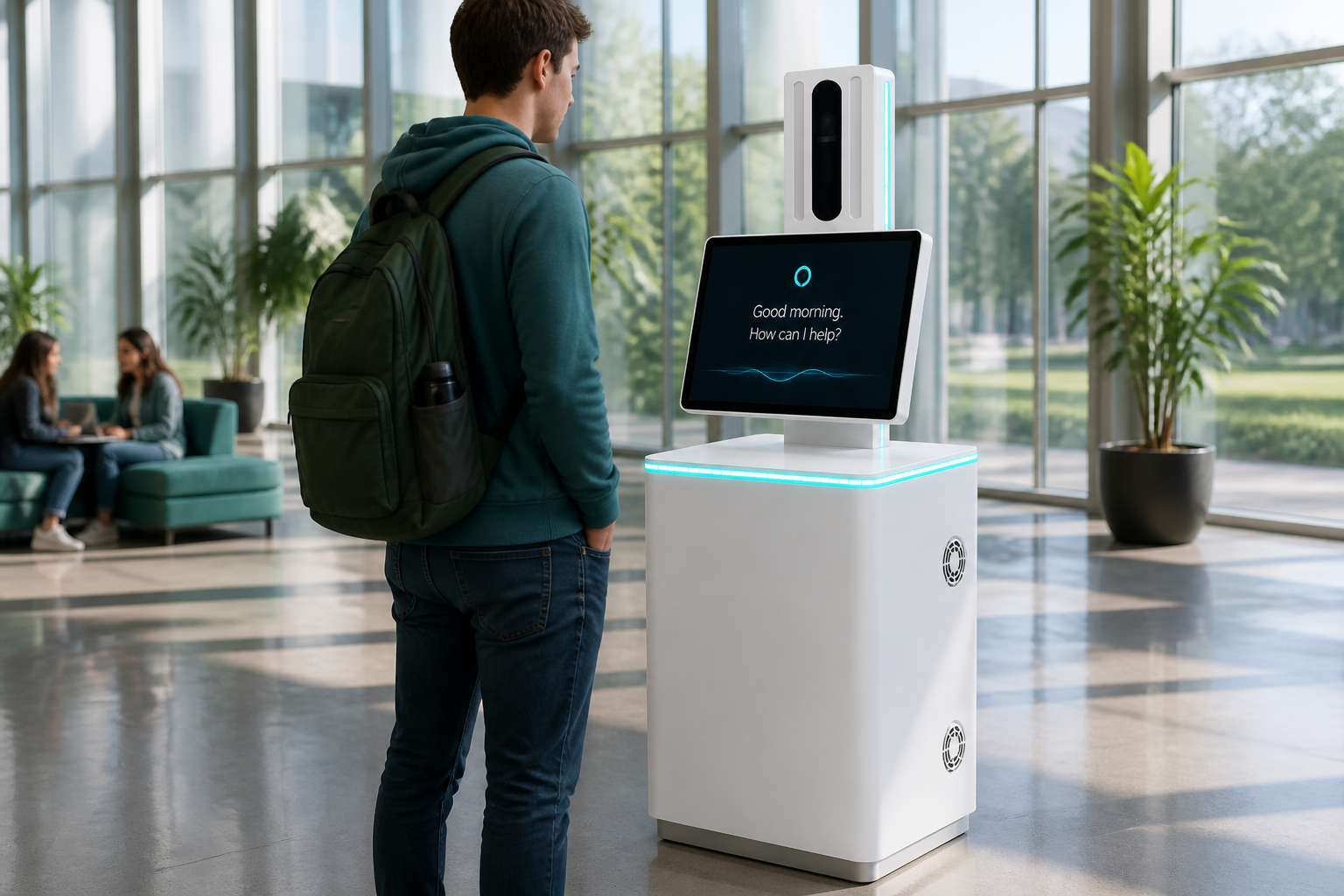
Ask where to go, get spoken directions.
Open use case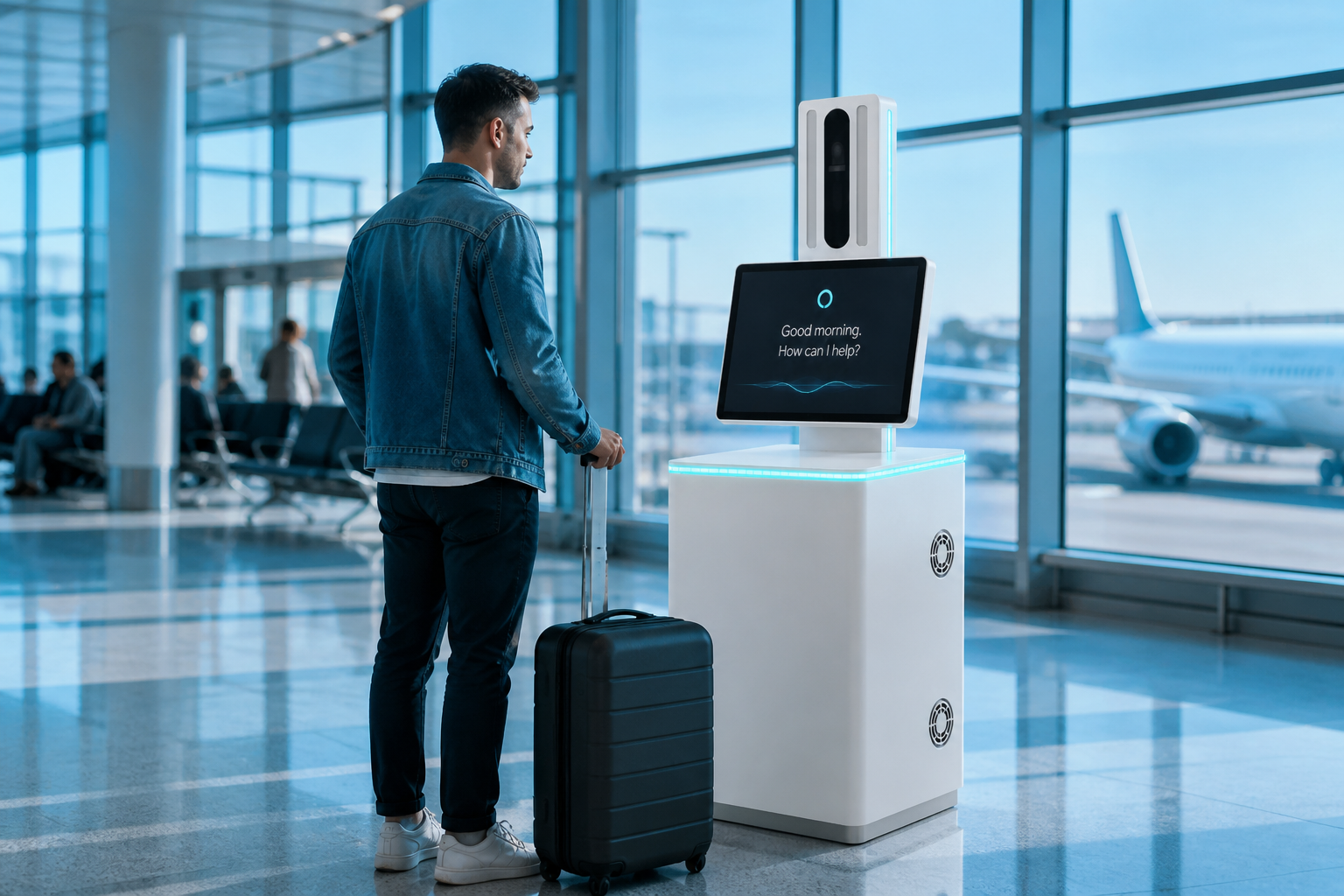
Gates, transfers, help in busy hours.
Open use case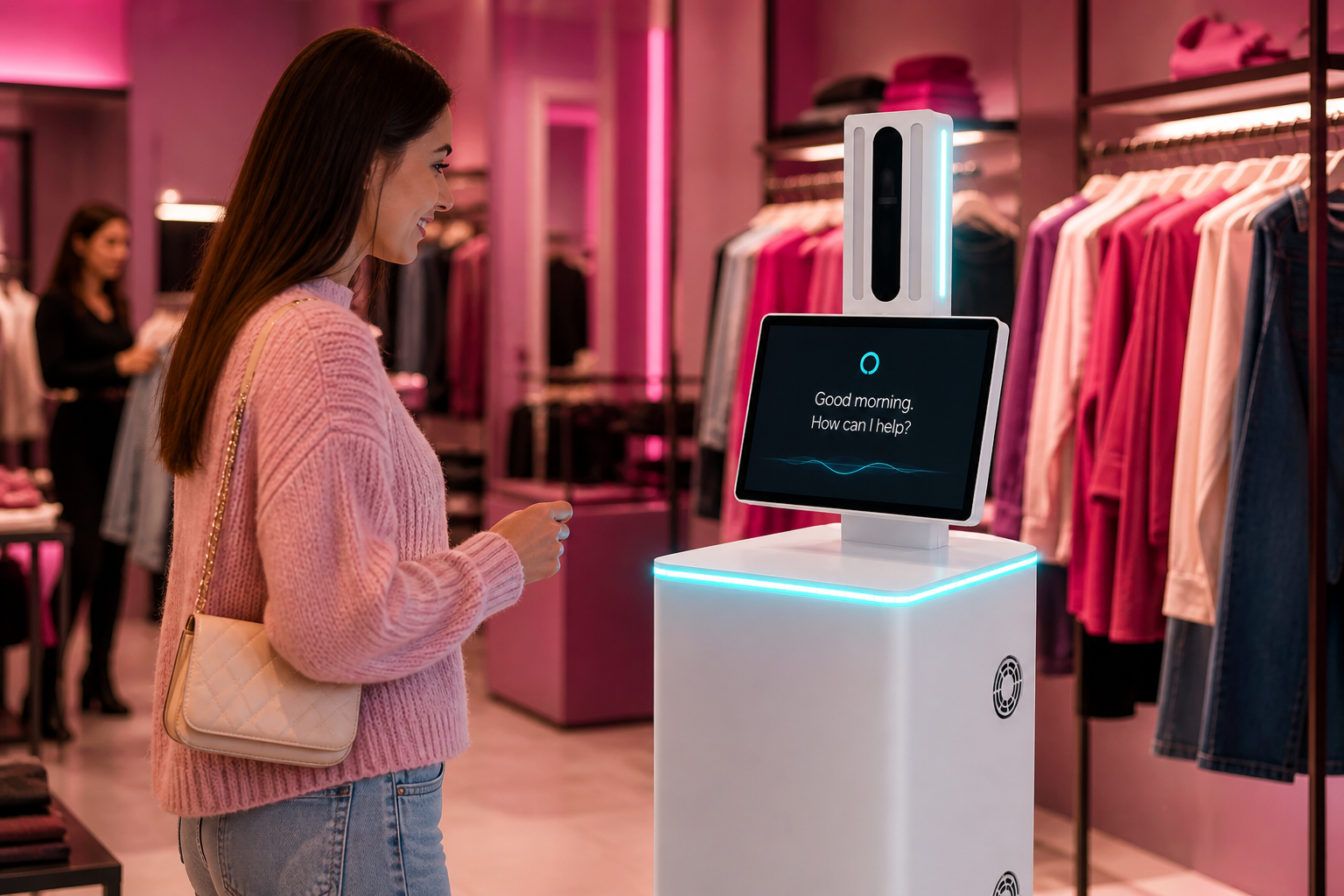
Show an item, get aisle help, ask a question.
Open use case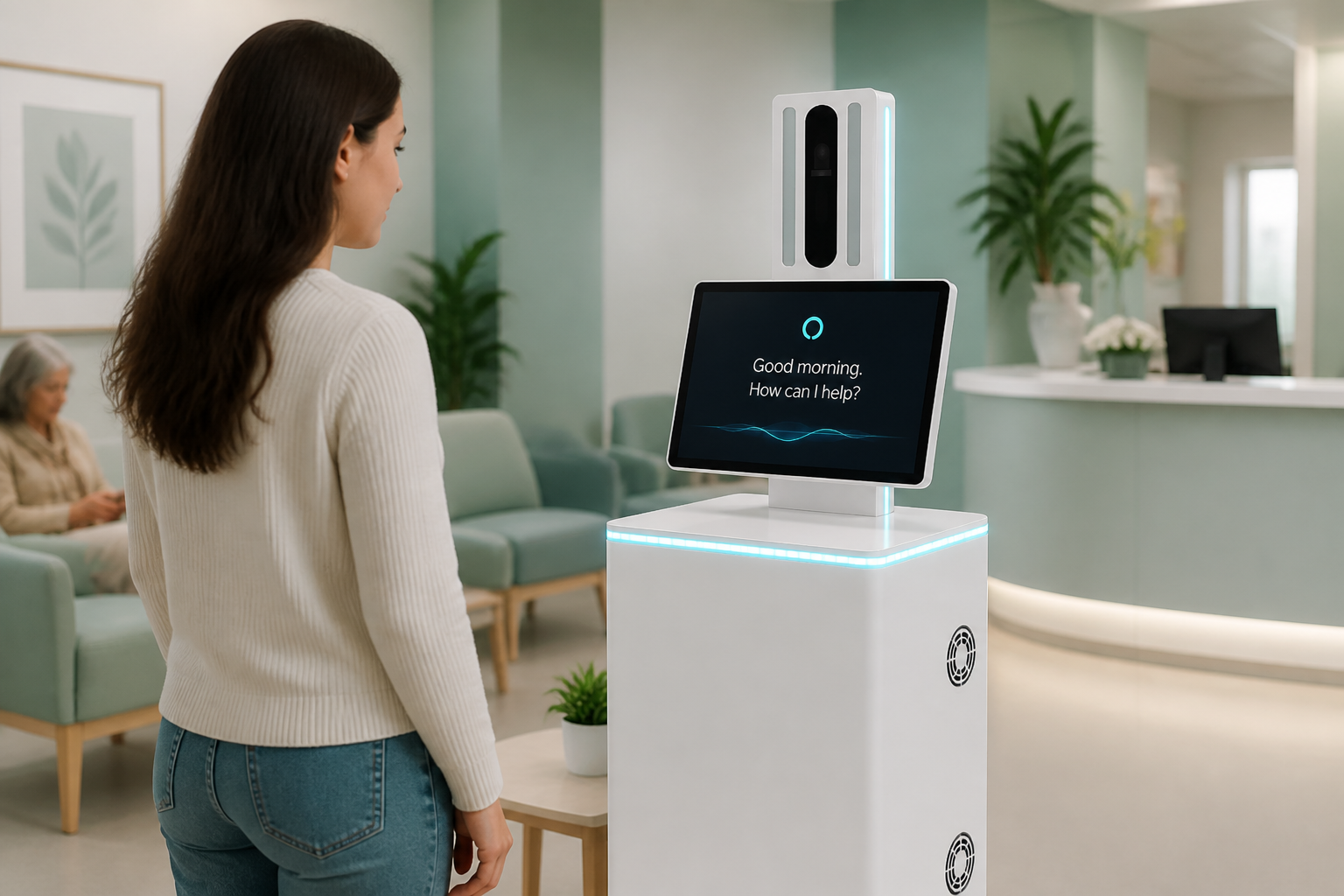
Find the appointment, scan a card, get a queue token.
Open use case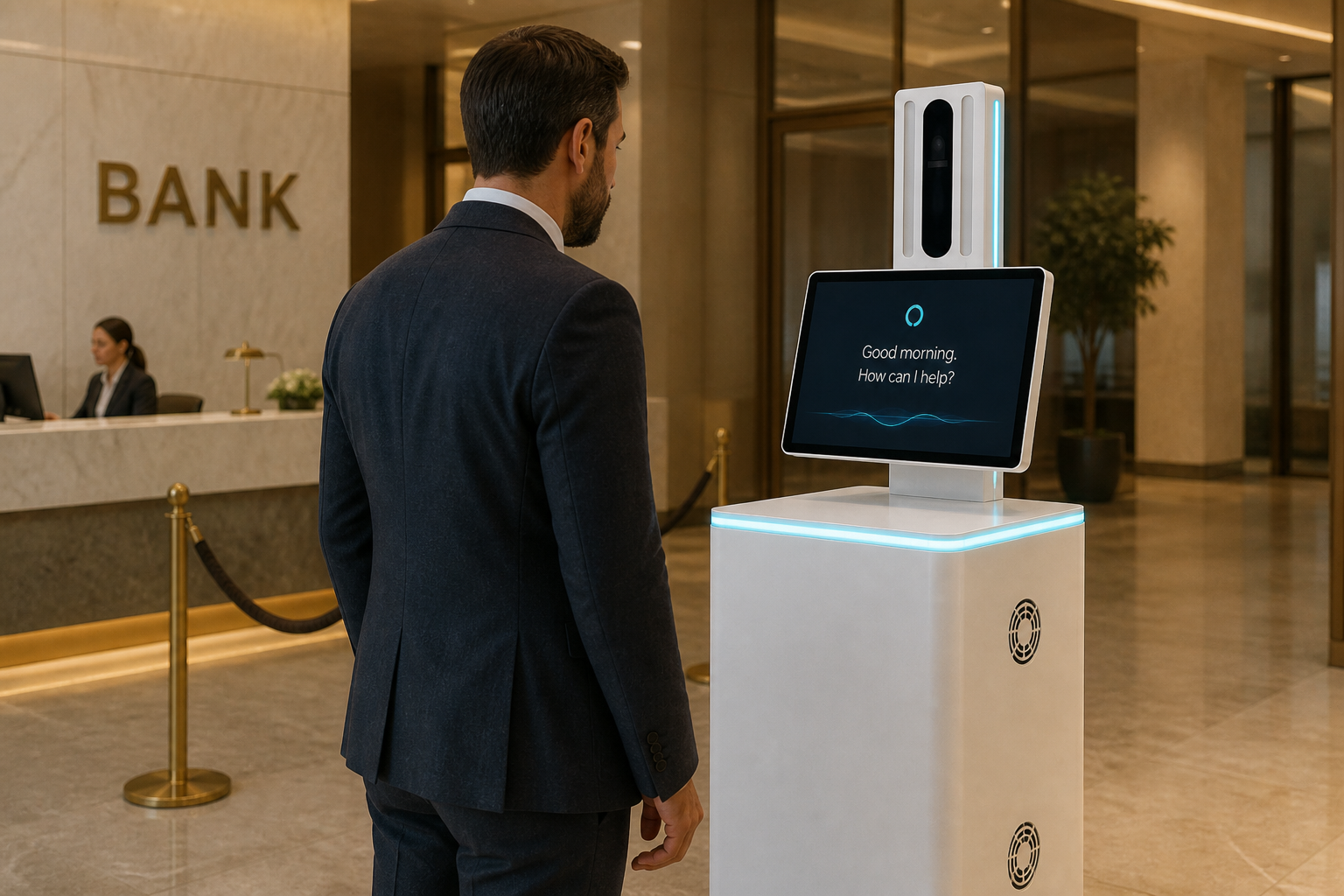
Queue help plus a live Video KYC path when you need it.
Open use case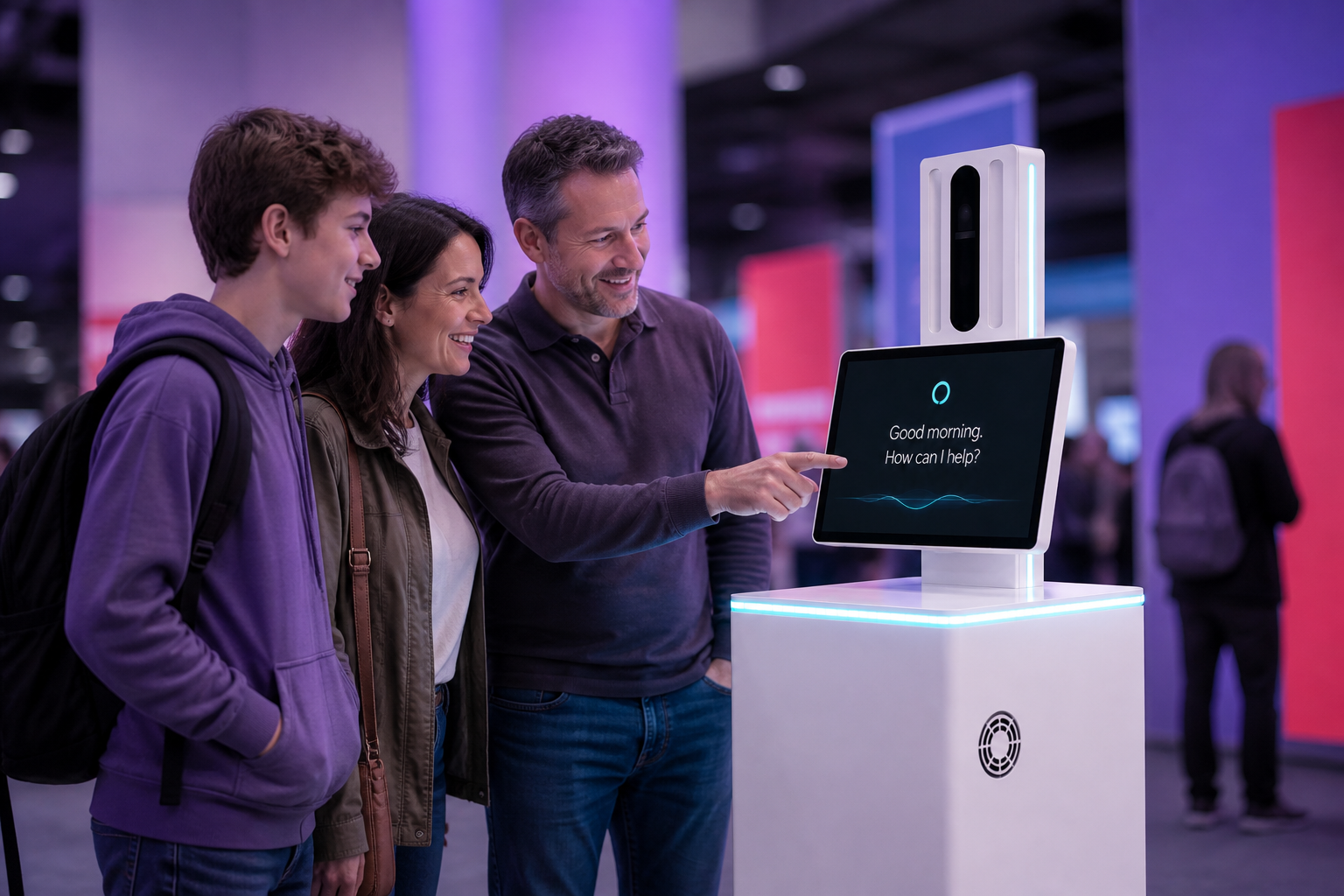
Busy-season questions and document capture.
Open use case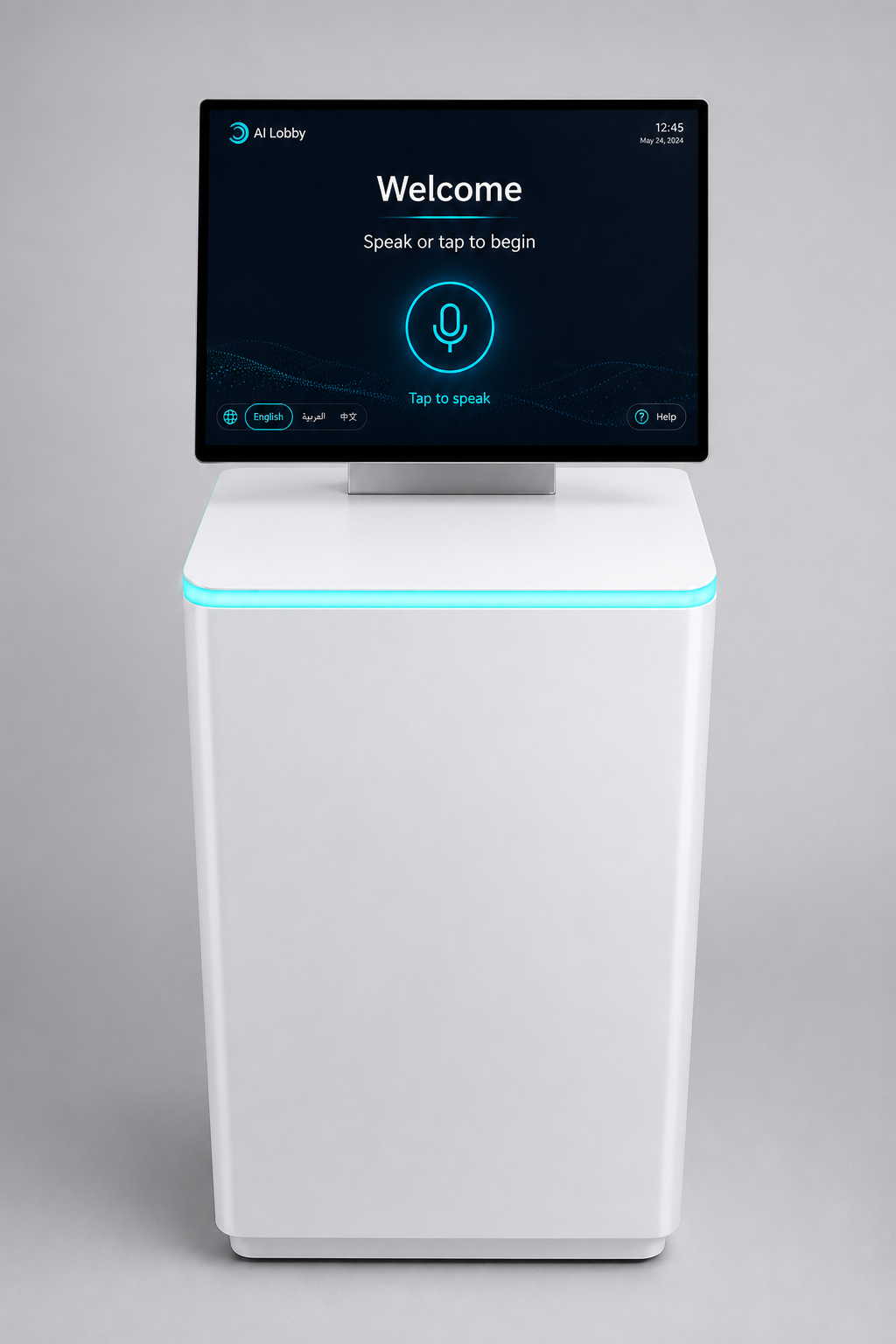
Standard build for hotels, offices, and clinics. ID reading is optional when your site needs it.
We will not invent success rates or “50% faster” claims. Those numbers come from your trial.
AI Smart Kiosk uses live video, face tools, and document reading Visive already offers — applied to a lobby screen.
Live media, conversational AI, and computer vision in one session.
PlatformProof the live handoff path already works in regulated flows.
Video KYCDetection, matching, and watchlists already in the catalogue.
Face AIID and form text extraction used across Visive solutions.
OCRPlain answers for non-tech buyers — no hardware spec sheets here.
The machine and camera tools are ready. The talking helper for your site is set up with you in a short trial — we measure what works before anyone claims success rates.
No. Face recognition is optional and only for people you enrol with consent. Many sites run greeting-only with no face enrolments.
They can tap big buttons on screen. Or a real person joins on live video when needed.
Usually no. It covers quiet hours and overflow so staff focus on VIP guests, exceptions, and complex requests.
We choose the language pack for your visitors in the trial. We do not invent a language count in marketing.
Most helpers need a connection for lookups and alerts. On-site and hybrid setups are available when your site requires them.
Yes — body branding and on-screen look.
One location, one workflow, clear metrics, then expand / revise / stop together. See the pilot page for details.
Tell us where you would put it. We will reply within one business day.