
Busy-hour answers without adding queue staff
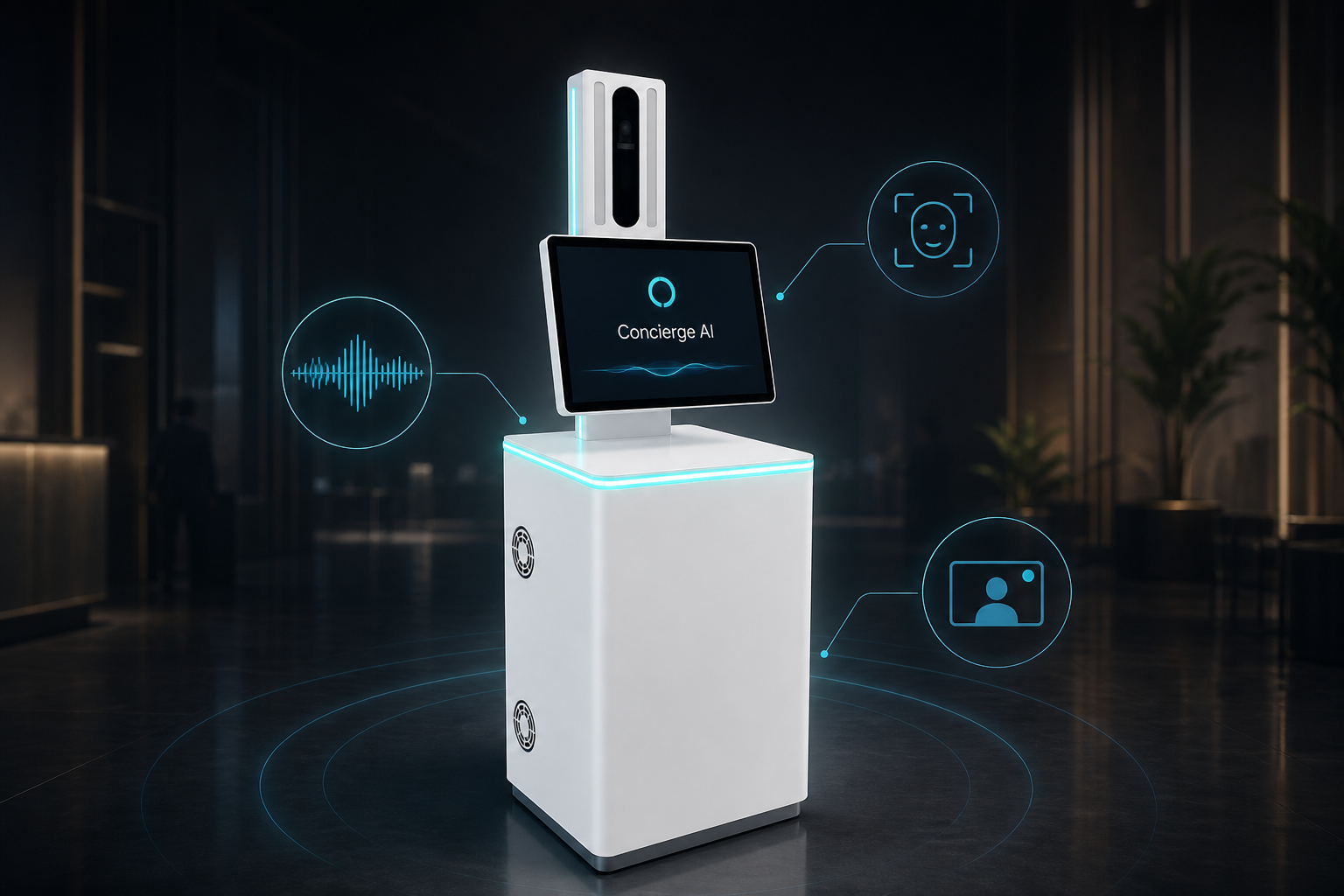
Gates, transfers, and baggage questions by voice — on a lobby kiosk built for busy floors — with a live agent on video when plans change.
We set up the talking helper for your site in a short trial — we do not invent success rates up front.
See how this use case works
Watch the live conversation for transit, then follow the steps.
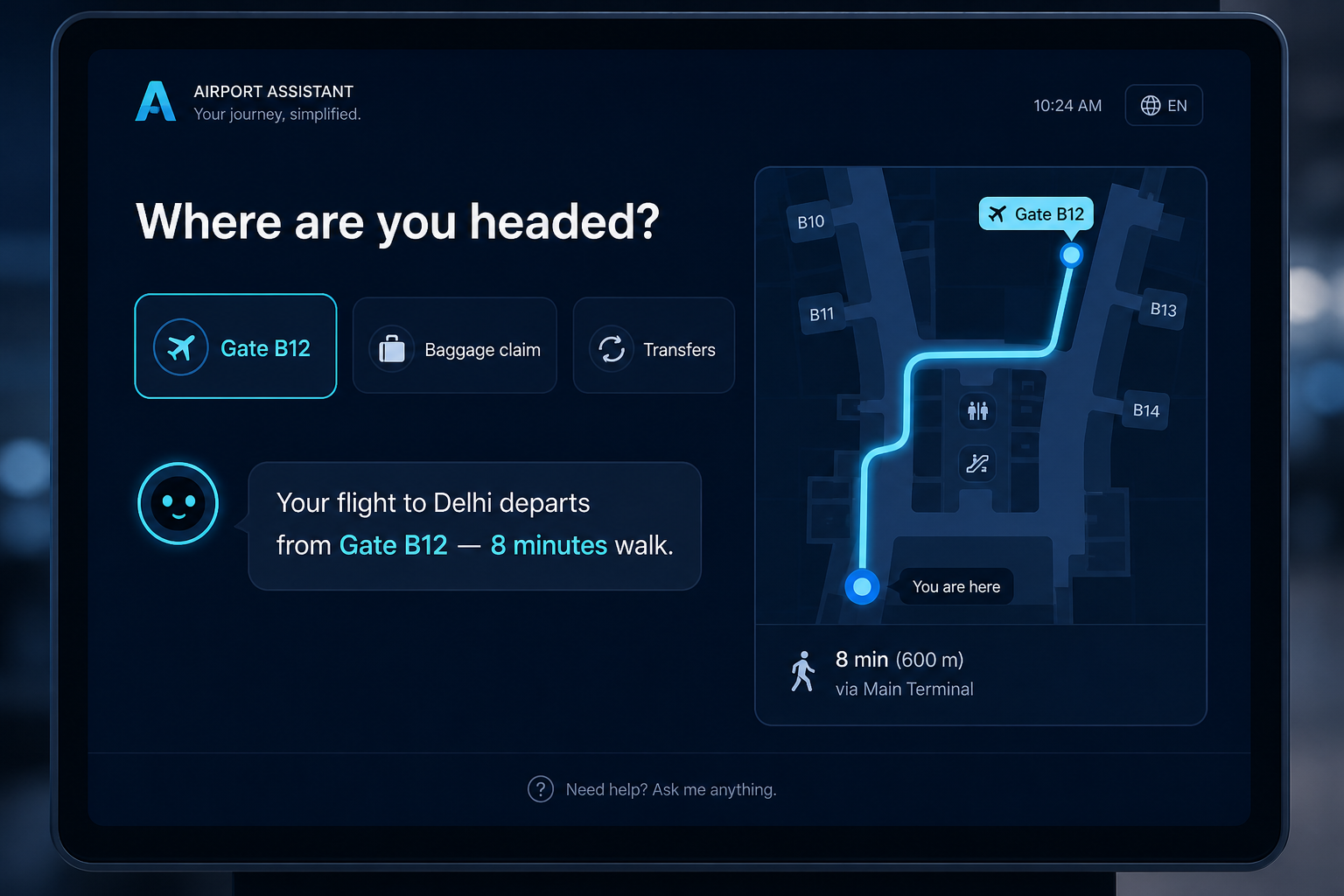
Where are you headed?
Speak naturally — or tap an option
Ask the need
Flight, gate, transfer, or facility.
Lookup
It checks your approved flight or ops feed.
Direct
Walking time and direction on screen + voice.
Live help
If plans change, connect to a live agent on video.
The problem on the ground
Info desks overload in peaks; static screens do not answer follow-up questions.
What it is designed to save
- Less desk load in peaks
- Consistent answers
- Built for all-day public use
What it usually connects to
Exact links are scoped in the trial — this is the typical set.
- Flight information / ops feeds
- Terminal map layers
- Operations contact centre video
Step by step
Ask the need
Flight, gate, transfer, or facility.
Lookup
It checks your approved flight or ops feed.
Direct
Walking time and direction on screen + voice.
Live help
If plans change, connect to a live agent on video.
Questions buyers ask
About the experience, staff, privacy, and trial — not a hardware brochure.
Is this an immigration or border kiosk?
No. This use case is passenger guidance — gates, transfers, facilities.
What happens when a gate changes?
It should follow your live ops feed; if unsure, a live agent joins on video.
Will it reduce info-desk queues?
That is the goal in peaks. We measure desk deflection in the trial — we do not invent a percentage up front.
Which languages for international terminals?
Chosen with you for your passenger mix during the trial.
Can it work if the network blips?
Cached directions can help; live flight data needs network. Topology is scoped per site.
Is it accessible?
Voice helps many travellers; large tap targets stay available.
Who staffs the live video handoff?
Your existing ops or contact-centre team during covered hours.
How do we start?
One concourse location, one guidance script, a 60-day trial with clear metrics.
Interested in Airport & Transit Passenger Guidance?
Send a short note. We will get back within one business day.