
Sign-in, badge, and log — with a conversation
Sign in by talking, capture an ID when needed, get host approval, print a badge, and keep a clear visit log.
We set up the talking helper for your site in a short trial — we do not invent success rates up front.
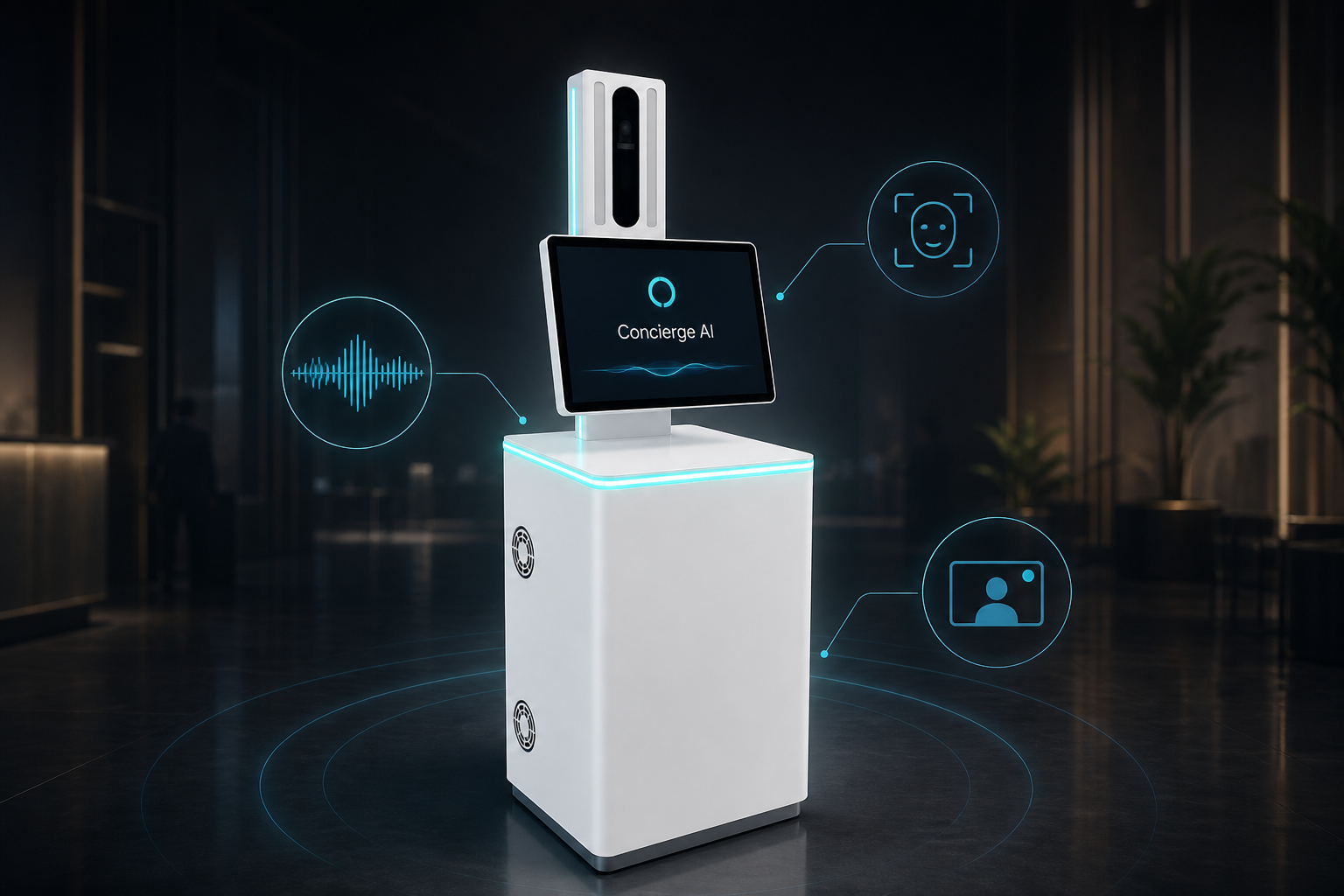
See how this use case works
Watch the live conversation for security, then follow the steps.
Welcome. Who are you visiting?
Speak naturally — or tap an option
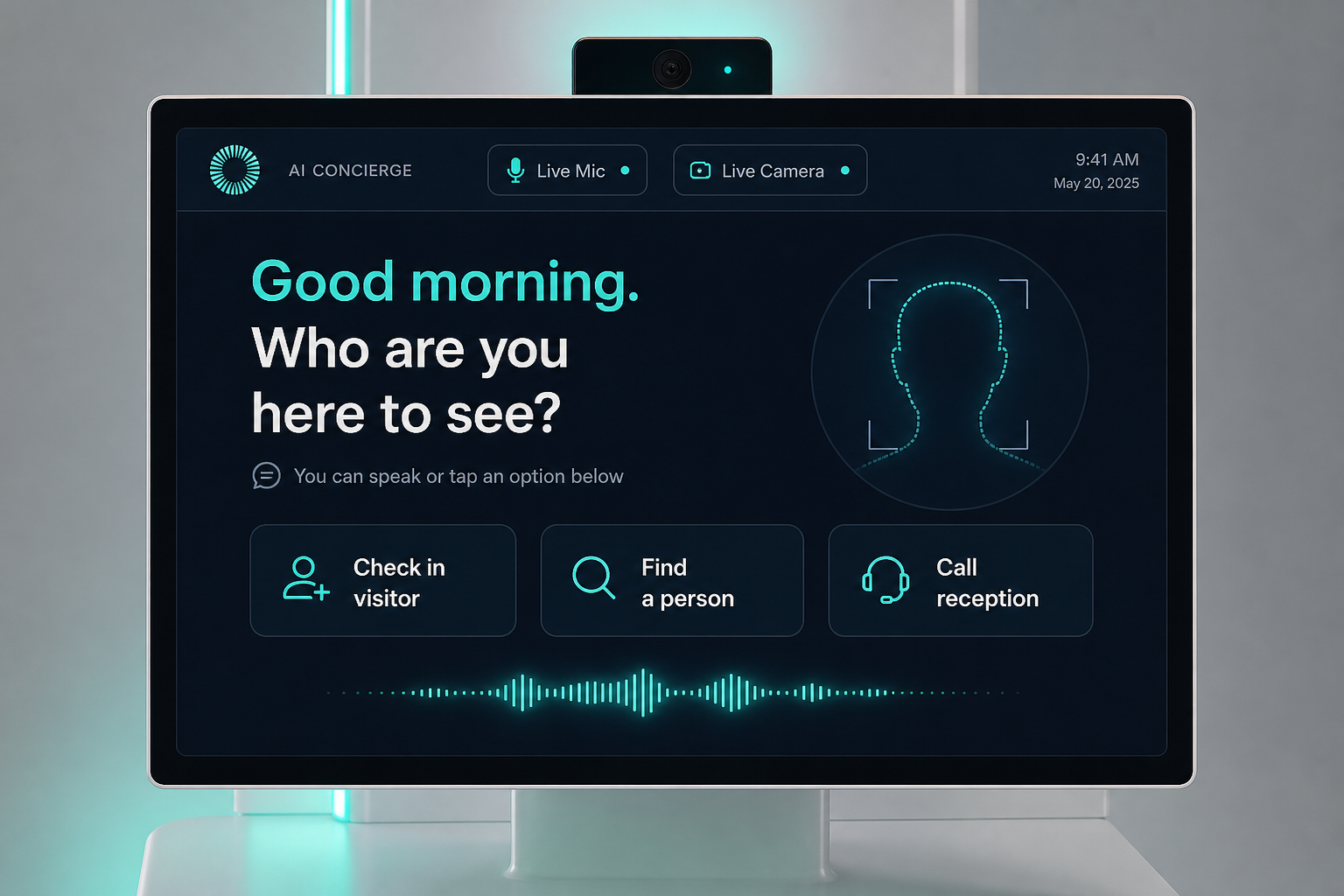
Sign-in talk
Visitor states purpose and host.
ID when needed
It can read an ID card or document, or take a close-up with the camera.
Approval
Host or security approves; extra checks optional where your policy allows.
Badge out
Print badge; write the visit log.
The problem on the ground
Clipboard logs and cheap tablet tools leave gaps at the door and frustration at the desk.
What it is designed to save
- Cleaner audit trail
- Less lobby crowding at shift change
- Same process every time
What it usually connects to
Exact links are scoped in the trial — this is the typical set.
- Access control / badge printers
- Optional watch lists
- Log export to your systems
Step by step
Sign-in talk
Visitor states purpose and host.
ID when needed
It can read an ID card or document, or take a close-up with the camera.
Approval
Host or security approves; extra checks optional where your policy allows.
Badge out
Print badge; write the visit log.
Questions buyers ask
About the experience, staff, privacy, and trial — not a hardware brochure.
Does every visitor need an ID scan?
Only when your policy requires it. Some sites do talk + badge only.
Who approves entry?
Host, security, or both — your rules. The kiosk waits for approval before printing a badge.
Where does the visit log live?
In systems you choose. Retention and access are set with your security team in the trial.
What if AI cannot identify the host?
Live video to security or reception — visitors are not left stuck.
Can it help with evacuation lists?
Visit logs can export into your emergency process. Exact wiring is project-specific.
Will contractors and deliveries use the same flow?
Yes, with different scripts if you want (visitor vs vendor).
Is face recognition required?
No. Optional and consent-based.
How do we start without a big IT project?
A 60-day trial on one entrance with one badge printer path.
Interested in Visitor Management Kiosk?
Send a short note. We will get back within one business day.