Busy admissions without a crumbling front desk
Seasonal enquiry help: programme questions, document capture when needed, and campus directions — with live admissions staff on video at crunch time.
We set up the talking helper for your site in a short trial — we do not invent success rates up front.
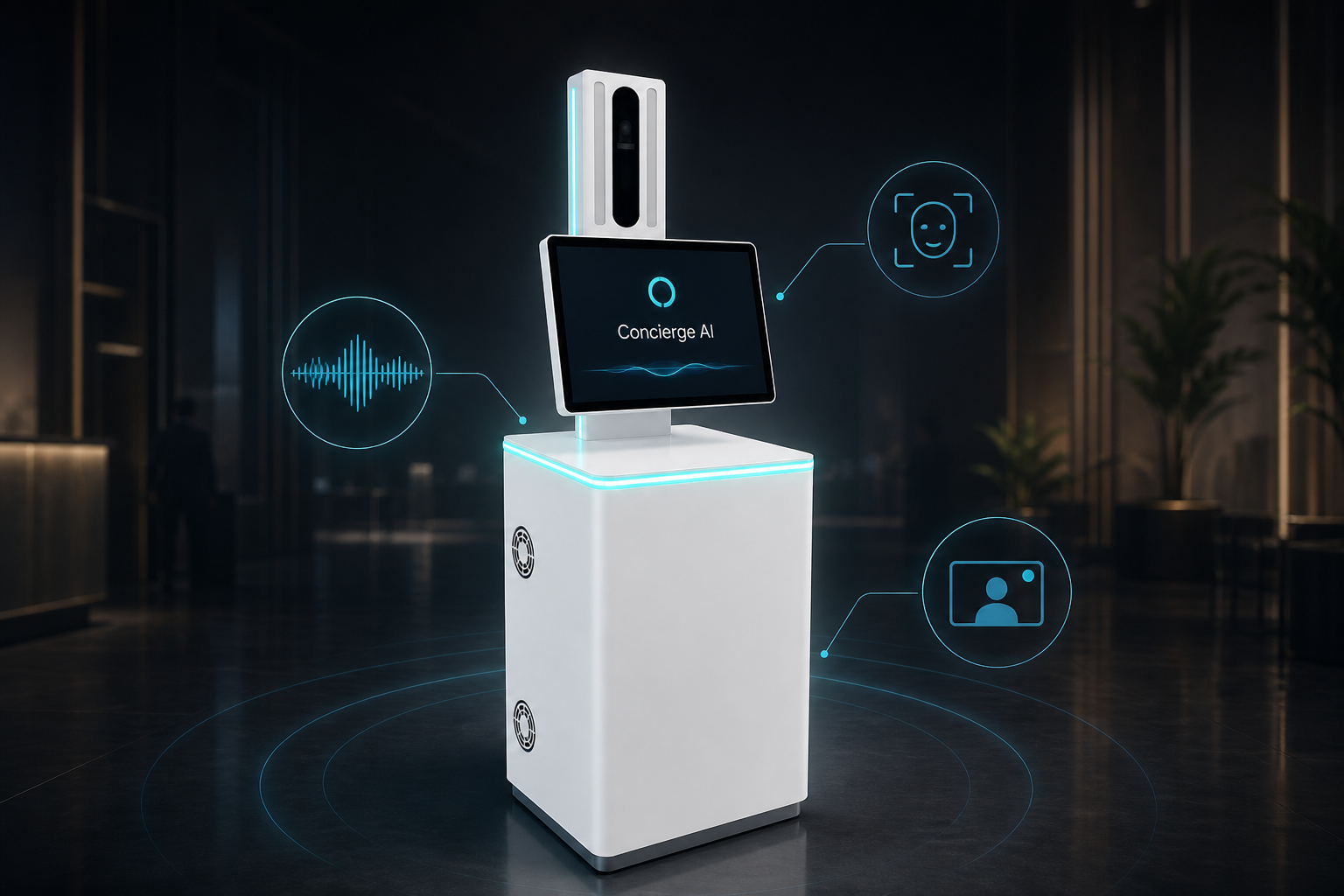
See how this use case works
Watch the live conversation for education, then follow the steps.
Looking for admissions or directions?
Speak naturally — or tap an option
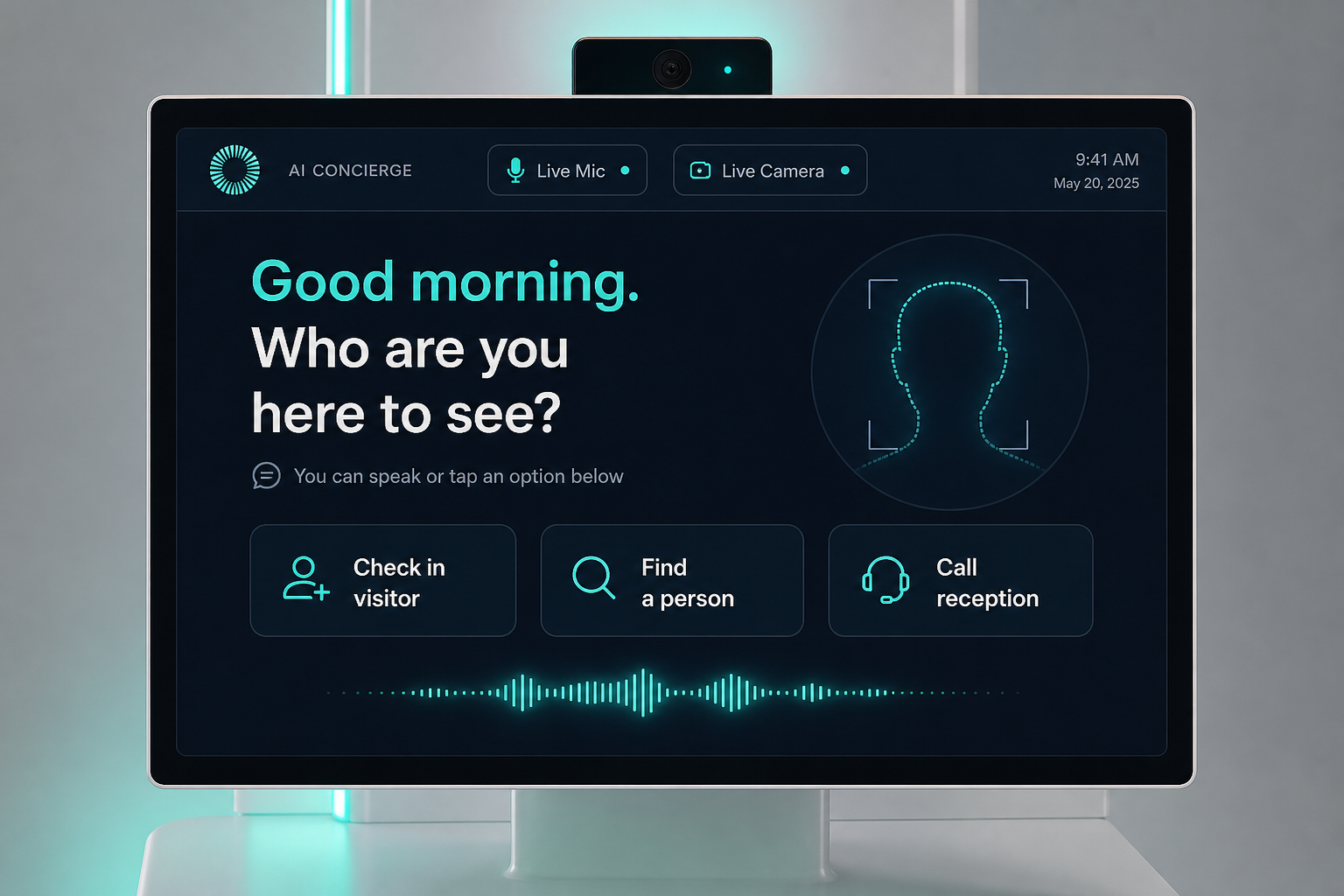
Enquire
Applicant or parent asks about a programme or next step.
Answer
It uses your approved FAQ and calendar.
Capture
Certificates or ID cards when required.
Escalate
Live admissions counsellor on video for edge cases.
The problem on the ground
Admission season overwhelms a fixed team; paper forms and shouted directions create chaos.
What it is designed to save
- Peak load buffering
- Consistent answers
- Less lost paperwork at the door
What it usually connects to
Exact links are scoped in the trial — this is the typical set.
- Admissions CRM / forms
- Document storage
- Counsellor video queue
Step by step
Enquire
Applicant or parent asks about a programme or next step.
Answer
It uses your approved FAQ and calendar.
Capture
Certificates or ID cards when required.
Escalate
Live admissions counsellor on video for edge cases.
Questions buyers ask
About the experience, staff, privacy, and trial — not a hardware brochure.
Will it invent programme details?
No. Answers stay inside content you approve. Unknowns go to a live counsellor.
Can parents use it in their language?
Language packs are chosen for your catchment in the trial.
Do documents always need to be scanned?
Only when your process requires it.
Is it only for admission season?
Peak season is the main win; year-round it still helps with campus directions.
What about student privacy?
Minimal capture by default; retention set with you.
Who takes live video escalations?
Admissions counsellors during covered hours.
How do we keep answers accurate after brochure changes?
You update the approved content the same way you update your website FAQ.
How do we start?
One admissions lobby, one enquiry script, a measured 60-day trial.
Interested in Campus Admissions Desk?
Send a short note. We will get back within one business day.