A receptionist that never leaves the lobby
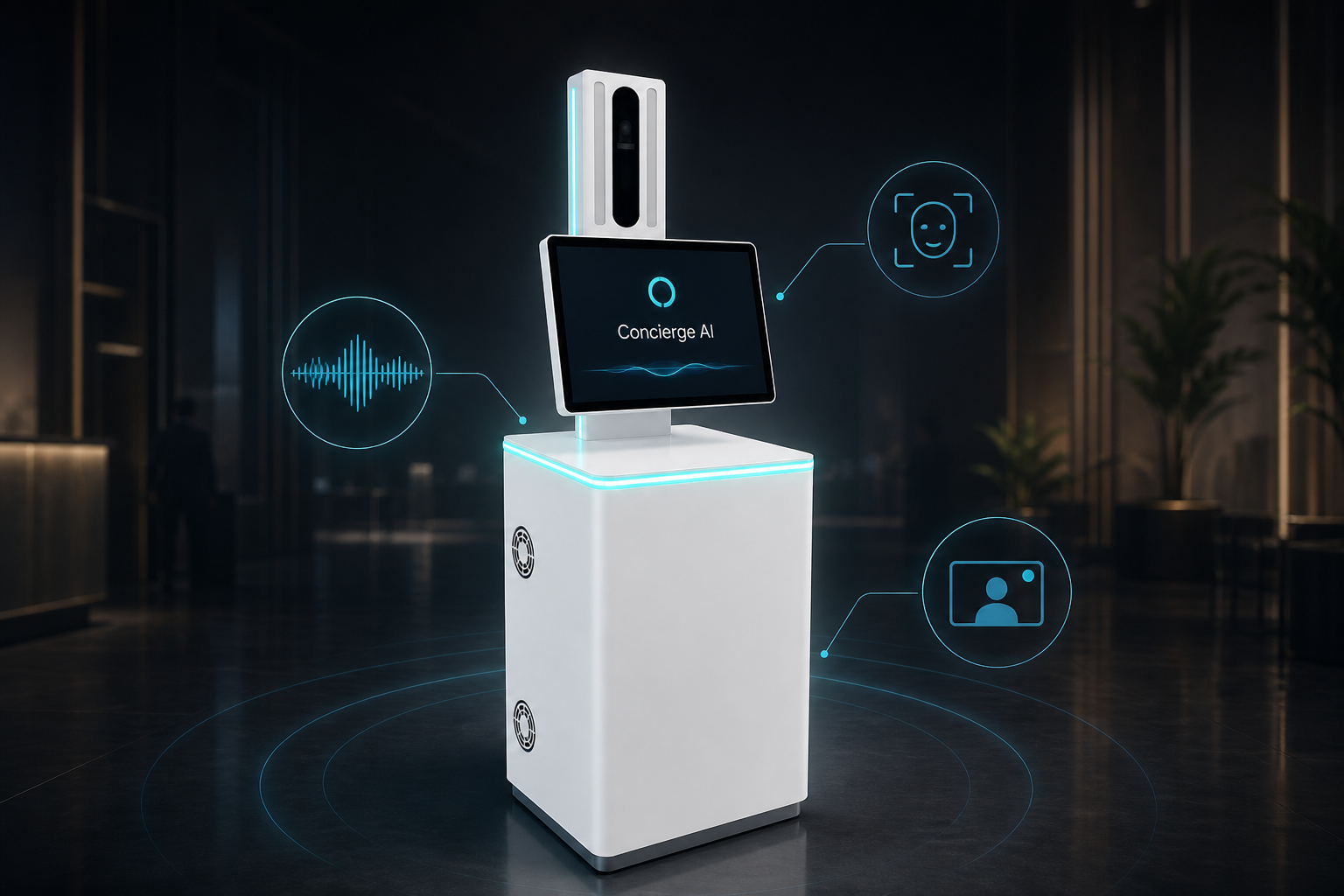
Quiet hours and busy peaks: greet visitors, find hosts, send a WhatsApp or email, and bring a person on video when needed.
We set up the talking helper for your site in a short trial — we do not invent success rates up front.
See how this use case works
Watch the live conversation for workplace, then follow the steps.
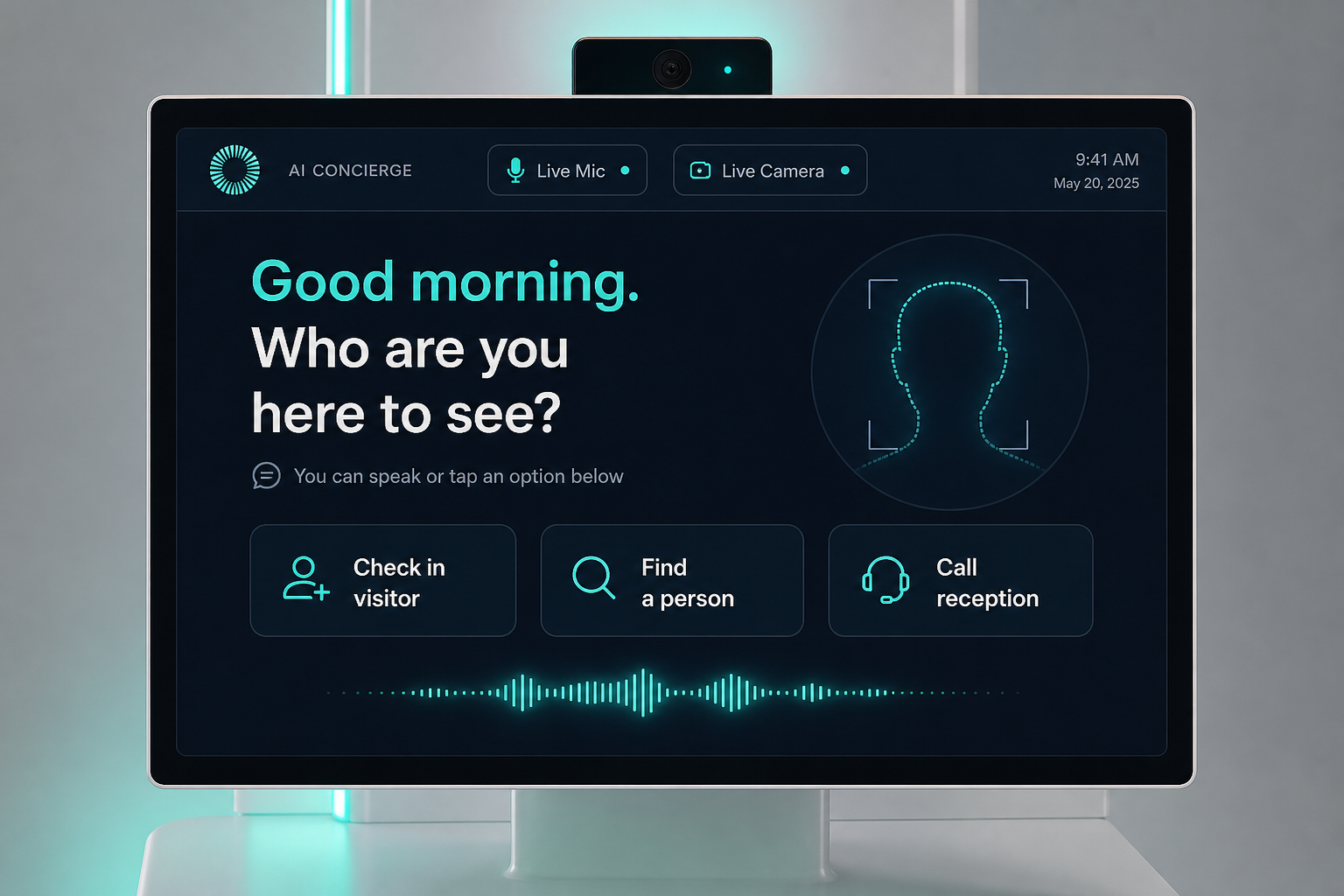
Good morning. Who are you here to see?
Speak naturally — or tap an option
Walk up
Visitor approaches; the kiosk opens a spoken greeting.
Find a host
Visitor names the person or company; it searches the directory.
Notify
Host gets WhatsApp / email / SMS with a visitor photo if you turn that on.
Pass or wait
Print a visitor pass or guide them to seating — or get live help if unclear.
The problem on the ground
Lobbies go quiet after 6pm and explode at 10am. A tablet sign-in app does not feel like a welcome — and host alerts often fail.
What it is designed to save
- Coverage outside staffed hours
- Faster host notification
- Visitor greeting without a full-time desk
What it usually connects to
Exact links are scoped in the trial — this is the typical set.
- Staff directory / calendar
- WhatsApp Business or email
- Visitor log export
Step by step
Walk up
Visitor approaches; the kiosk opens a spoken greeting.
Find a host
Visitor names the person or company; it searches the directory.
Notify
Host gets WhatsApp / email / SMS with a visitor photo if you turn that on.
Pass or wait
Print a visitor pass or guide them to seating — or get live help if unclear.
Questions buyers ask
About the experience, staff, privacy, and trial — not a hardware brochure.
Do we still need a human receptionist?
Often yes for peak hours and VIP. The kiosk covers quiet hours and overflow so staff are not stuck on simple greets.
What if someone will not talk to it?
They can tap on screen, or a person joins on live video.
Will it recognise visitors without consent?
No. Face recognition is optional and enrolment-based. Greeting-only mode needs no face enrolments.
How does the host get notified?
WhatsApp, email, or SMS — whichever you already use. Exact setup is chosen in the trial.
What if the wrong host is listed?
The visitor can try again, or live video escalates to reception or security.
Does after-hours coverage need internet?
Host alerts need a connection. Hybrid options are discussed if your building has limits.
Can we brand it to our company?
Yes — body branding and on-screen theme.
How long is a trial?
Typically up to 60 days for one lobby workflow, with a clear go / no-go at the end.
Interested in Corporate Reception Kiosk?
Send a short note. We will get back within one business day.